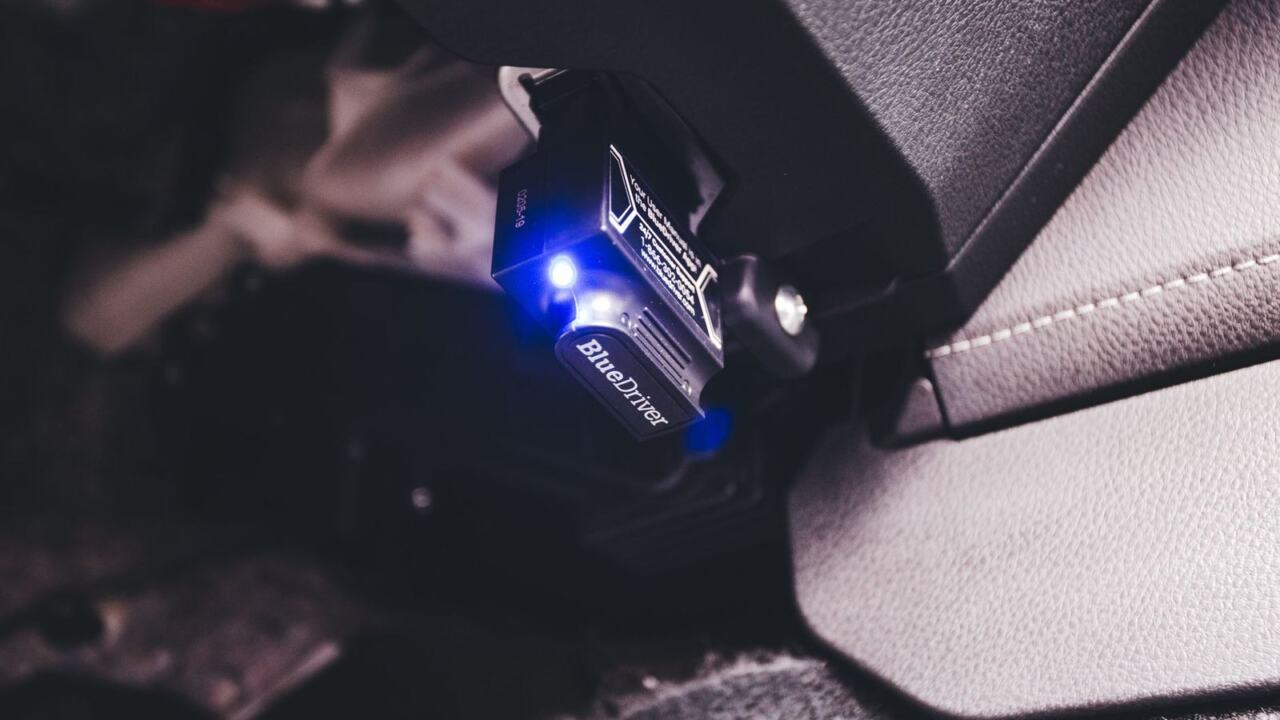
Picking between bluetooth eld vs hardwired eld options is a cost-versus-durability call. Both can be compliant if the device is registered with FMCSA; the real differences are installation, reliability and how drivers use the screen.
This comparison sits within our wider guide to fleet management eld decisions.
| Item | Value |
|---|---|
| Registration | Only an ELD on FMCSA’s registered ELDs list may be used |
| Portable ELD mounting | Fixed position, visible from the normal seated driving position |
| Engine link | Integral synchronization with the engine control module |
| Minimum logging interval | At least 60-minute intervals while driving |
| Driver paperwork | ELD information packet with an instruction sheet on data transfer |
Figures come from the federal rule text on ELD use and a vendor explainer. Rules and products change, so check the source before you rely on them.
What the two designs actually are
A hardwired ELD is a hardware unit installed in the cab and connected to the truck’s diagnostic port or wiring. It usually stays with the vehicle, and the driver interacts with a display or a paired phone or tablet.
A Bluetooth ELD is typically a small adapter plugged into the diagnostic port. It pairs wirelessly with a driver’s smartphone or tablet, which shows the logs and handles inspections.
One vendor guide describes the common pattern: when connected to the diagnostic port, the ELD system automatically tracks drive time and stores the record of duty status. That holds for either design. The difference is where the screen lives and how the pieces talk to each other.
What the rule requires of both
Federal rules do not rank one connection style above the other. The question is whether the device meets the technical specifications and is registered.
- Registration: a carrier required to use an ELD must use only one listed on FMCSA’s registered ELDs list.
- Engine synchronization: a compliant device keeps integral synchronization with the engine control module to document vehicle motion and engine power status.
- Driver packet: drivers must carry an information packet, including an instruction sheet describing the supported data transfer mechanisms.
The registered list is the check that matters. A sales page saying a product is “compliant” is not the same as an entry on FMCSA’s list, so look the exact model up before you buy.
Keep a record of the model name, software version and registration check for every device in service. If a device later drops off the list, that record shows when you checked and helps you plan a replacement without scrambling.
Where portable and Bluetooth setups need extra care
If a driver uses a portable ELD, the rule says the carrier must make sure it is mounted in a fixed position while the vehicle operates and visible from the normal driving position. A phone sliding around the dash does not meet that.
That means a Bluetooth setup needs a proper mount, a charging cable and a plan for the phone’s other uses. Whatever the phone is used for, the rule still expects the ELD to stay mounted and visible while the vehicle operates.
Whether a fixed in-cab display is treated the same way is a question to put to the registered device’s maker and to your safety staff, as the rule text speaks specifically about portable units.
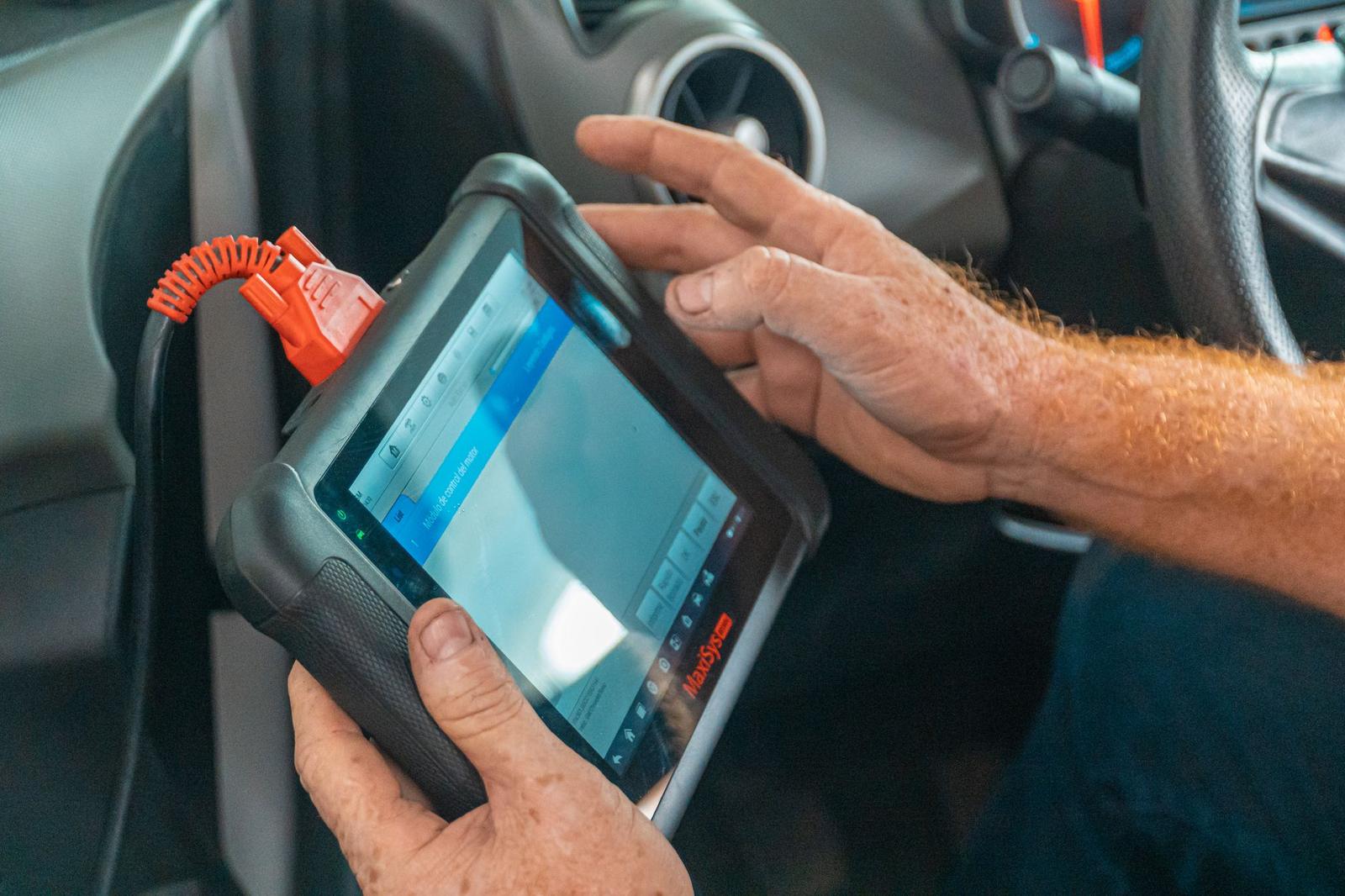
Bluetooth ELD vs hardwired ELD: practical differences
Exact trade-offs vary by vendor, so the table sticks to what both designs share and where the rule text applies.
| Factor | Bluetooth | Hardwired |
|---|---|---|
| Registration | Must be on FMCSA’s registered ELDs list | Must be on FMCSA’s registered ELDs list |
| Engine link | Integral synchronization with the engine control module | Integral synchronization with the engine control module |
| Diagnostic port | When connected, tracks drive time and stores the record of duty status | When connected, tracks drive time and stores the record of duty status |
| Mounting | Portable units must be mounted in a fixed position and visible from the normal driving position | The rule text speaks of portable units; ask the maker about fixed installations |
The vendor explainer covers the shared basics. Installation effort, price and ease of moving units between trucks differ by product, so confirm them with each maker.
Reliability and connection behavior
A wireless link adds one more thing that can fail. If the phone restarts, updates its operating system, or loses its pairing, the app may stop receiving data from the adapter until the driver reconnects.
A hardwired unit with its own display removes the phone from the chain. Its weak points are different: a loose connector, a poorly routed cable or a fault in the truck’s electrical system can interrupt logging.
Cost over time
Hardware price is only part of the bill. Subscription fees, phone data plans, replacement mounts, installation labour and downtime when a unit fails all add up.
Ask each vendor for a written total cost across a realistic period for your truck count, and compare those totals rather than the sticker price of the device.
Driver experience
The screen a driver uses matters for daily habits. A dedicated tablet or in-cab display keeps log screens separate from messages and games.
Drivers using their own phones may worry about data use, battery drain and privacy. A clear written policy on what the fleet can see helps, and it keeps the setup fair for everyone.
If drivers use a phone as the screen, keep it dedicated to driving duty so other apps do not interfere with logging.
Mixed fleets and common mistakes
If you run both types, make sure drivers know which setup they are using.
- Assuming any phone app is legal without checking the registered list.
- Letting drivers log in on loosely placed phones that are not mounted.
- Skipping the driver information packet in the cab.
- Buying on price without testing how the device recovers from a dropped connection.
- Forgetting to train new drivers on data transfer during an inspection.
Before any rollout, run a trial with a few drivers. Ask them to produce their records for a mock roadside inspection using only the instruction sheet, because that exercise exposes gaps quickly.
Choosing for your fleet
Start with the registered list, then match the design to how your trucks and drivers work. Our guide on how to choose an eld covers the wider checklist.
- Confirm the exact model and version is on FMCSA’s registered list.
- Decide who owns the screen: a dedicated device or driver phones.
- Check that the truck’s diagnostic port suits the adapter or wiring.
- Ask how the device behaves when pairing or power drops, and how it records malfunctions.
- Plan mounting and cables so the display is fixed and visible.
- Test with one truck and one driver before rolling out.
Consider how drivers feel about monitoring too. Our note on eld driver harassment rules explains why settings and policies matter as much as the hardware.
Frequently asked questions
Is a Bluetooth ELD legal?
Show answer
It can be, if the specific device is on FMCSA’s registered ELDs list and meets the technical specifications. The connection style alone does not decide legality.
Do hardwired ELDs need to be mounted?
Show answer
The rule text on mounting refers to portable ELDs. For a fixed installation, ask the device maker and check the current regulation.
Do both types connect to the engine?
Show answer
Yes. A compliant ELD keeps integral synchronization with the engine control module, usually through the diagnostic port.
Which is cheaper?
Show answer
Installation, subscription and phone costs vary by product, and the supplied sources do not rank one design as cheaper. Compare the total cost of ownership from vendor quotes.